
Kỳ Anh Audio Guide
An AI heritage guide I built and gave to a national historic site.
My Role
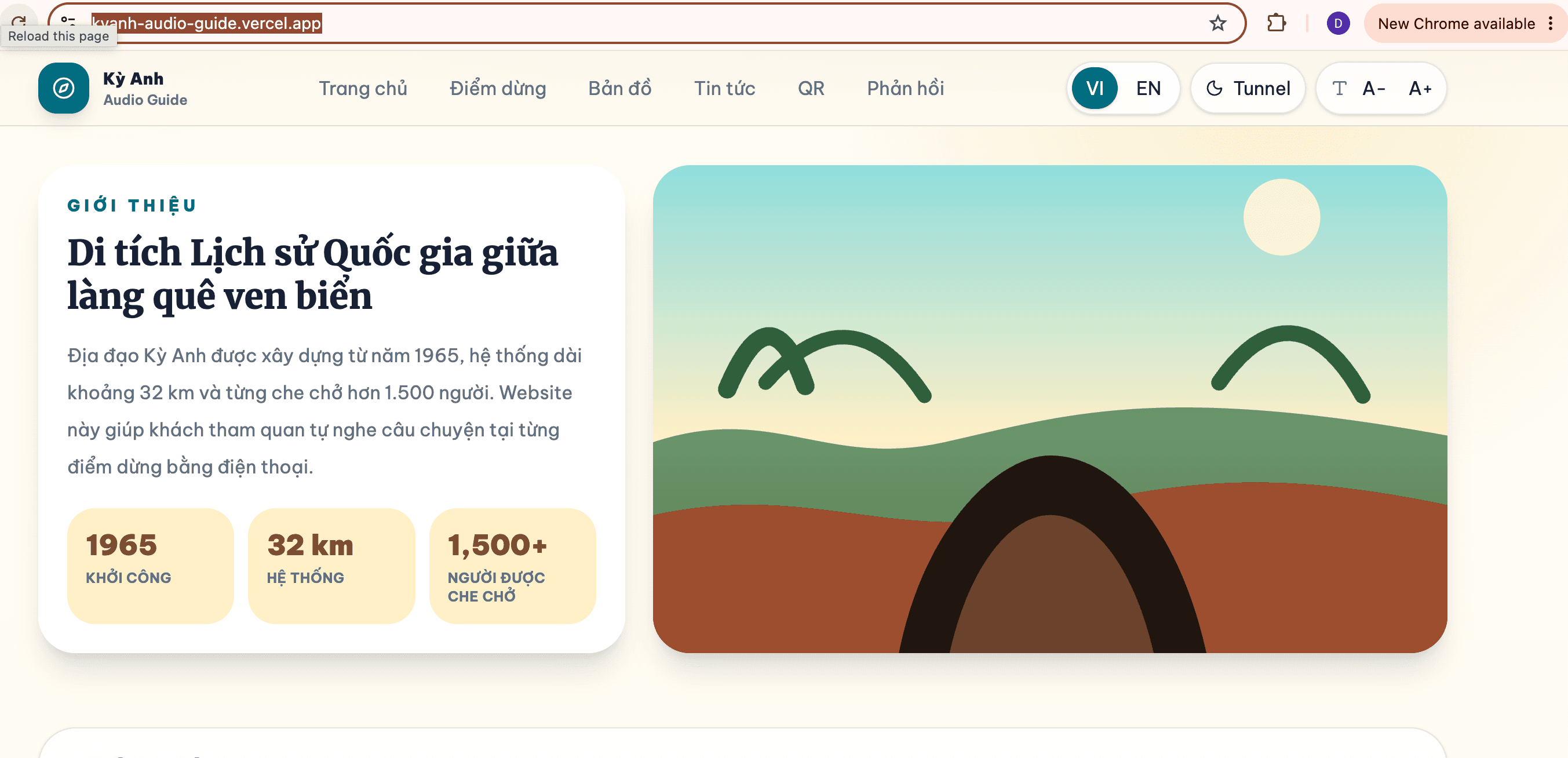
Founder & lead full-stack developer. I designed and built the whole platform: a QR system linking each stop to its history and images, bilingual AI text-to-speech narration, a digital map, and an accessibility-first UI (adjustable text size, dark mode) that runs in any browser with no app to install.
Technology
Python · FastAPI · JavaScript · AI Text-to-Speech (ElevenLabs) · QR Code · Google Maps API · Responsive Web · Vercel
Measurable Impact
- AI voice narrationVI / EN
- Runs in any phone browserNo app
- Given to the siteFree · open
The Problem
The Kỳ Anh Tunnels — dug in 1965, roughly 32 km long, once sheltering more than 1,500 people — carry a history most visitors walk past without hearing. Physical guides are scarce, signage is sparse, and few small heritage sites can afford an app. A place that survived a war was quietly losing the one thing it most needed to pass on: its story, told well.
What I Built
A website — not an app — that a visitor opens by scanning a QR code at each stop. The site reads that spot's story aloud with an AI voice in Vietnamese or English, shows a digital map of the route, and links each place to its history and images. No download, no account, no counter staff — just point a camera and listen.
Designed for Everyone
The visitors to a place like this are often older, and phones are often old too. So I built it accessibility-first: adjustable text size, dark mode, large tap targets, and a page light enough to load on a weak signal deep in a rural district. The most inclusive choice was the simplest one — a plain web page that asks nothing of the person holding the phone.
The Voice and the Map
Bilingual AI text-to-speech gives every stop a clear narrator in Vietnamese or English, so a foreign visitor and a local grandmother hear the same history in their own language. A Google-Maps route ties the audio to place, turning a scattered field of tunnels into a walk you can follow — the technology disappears, and the site does the talking.
Why I Gave It Away
I built it end-to-end and handed it to the site — no license, no fee. That was the point, not a loss. It's the same instinct behind EduVision: use technology to give access to people usually skipped, and make it cheap enough to outlive me. A student gift that a public place keeps using is worth more to me than a product I'd keep for myself.
A Model That Travels
Nothing about this is specific to one set of tunnels. The same lightweight recipe — QR, bilingual AI narration, a map, and an accessible page — could digitize any small museum or heritage site in the country that a big-budget app will never reach. Next, I'd add more languages, offline audio for spots with no signal, and a simple way for the site's own staff to add or edit a stop.
Technology
What I Learned
- The most inclusive interface is often the one that needs no download.
- Giving the work away can be the point, not a loss.
What comes next
- Add more languages and offline audio for stops with no signal.
- Give the site's own staff a simple way to add and edit stops themselves.
Last updated: 2026-08-15